Suggestions

    GrazeElite ActiveBeam

    All the benefits of GrazeElite, plus a beam you control.


    ActiveBeam sets any beam angle from 12° to 60° electronically, with no moving parts. Dynamic mode gives each pixel its own beam angle channel, and Media mode adds independent color and intensity control in each beam zone, opening a new dimension of creativity.


    IntelliHue Pro delivers millions of saturated colors and brilliant white light, and push-and-click connections simplify installation. Chromasync Pro keeps color consistent at any beam angle, while GrazeElite ActiveBeam is built for punishing conditions, day after day.
    Product Summary and Specification Sheets

    Features

    • Beam adjustment with no moving parts.
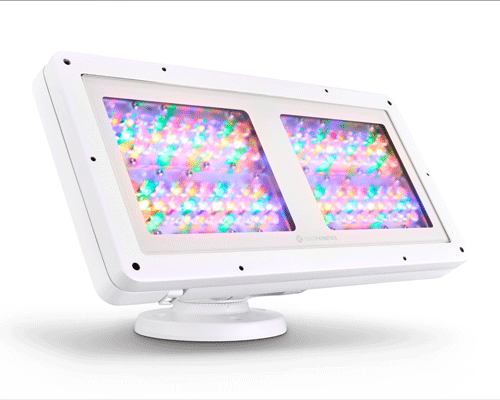
      GrazeElite ActiveBeam changes the beam angle by adjusting the intensity of three beam zones (center, middle, and outer) in each pixel. Each zone has its own RGBAW LEDs, so there are no lenses to swap and nothing to move. GrazeElite ActiveBeam 1 ft luminaires have one pixel, and 2, 3, and 4 ft luminaires have 2, 3, and 4 pixels.

    • Dynamic or Media mode, you choose.
      Dynamic mode
      unlocks the beam angle so you can change it from your control system. It adds one DMX channel to each pixel and gives you 256 steps of beam angle resolution, from a 12° beam at a value of 0 to a 60° beam at 255. Every value in between sets a beam angle too. The mapping is not linear by design, so a simple linear fade moves the beam smoothly from narrow to wide. Run a color wash while changing the beam angle to add depth and movement to your lighting design.

      To set the beam angle once and have the luminaire hold it, choose Static mode in QuickPlay Pro 2 (QPP2). Static mode adds no DMX channels, so you can control each pixel with three channels in 3-Ch In/N-Ch Out mode with Chromasync Pro. This is digital beam angle control.

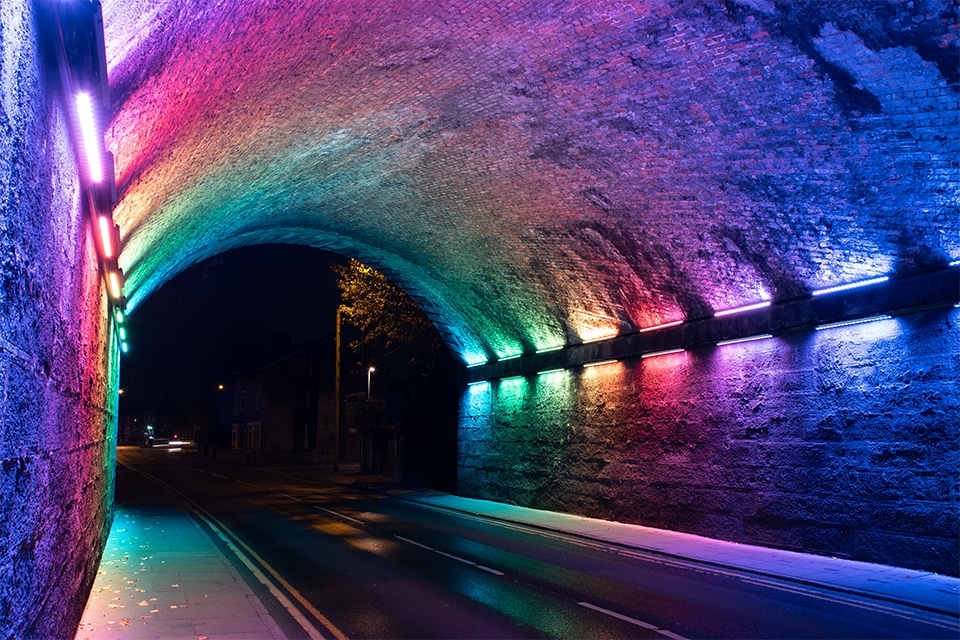
      Media mode opens up a different kind of control by skipping adjustable beam angles and giving you full control of the three beam zones in each pixel. Controlling light in two dimensions on a surface has typically meant stacking several luminaires, each aimed at a different position. In Media mode, a single luminaire does it. Each zone has its own set of color channels, which triples the DMX channels. Set different colors and intensities in each zone to create naturalistic lighting effects that shift, undulate, and pulse. With many luminaires working together, these effects can create truly immersive experiences.

      Change modes at any time with QPP2.
    • Five LED colors, your choice of control.
      With IntelliHue Pro technology, each beam zone mixes five LED colors (red, green, blue, amber, and white) under a unique lensing structure to output millions of saturated colors as well as brilliant white light. Chromasync Pro lets you choose color with three traditional DMX values for each pixel in Static and Dynamic modes and for each zone in Media mode. In Media mode, you can also take individual control of each channel.

    • Consistent color at every beam angle.
      Chromasync Pro keeps color consistent as you change the beam angle. It also makes it easy to match GrazeElite ActiveBeam with other luminaire families, even when you combine luminaires using three, four, five, or more channels.

    • Reliable in punishing conditions.
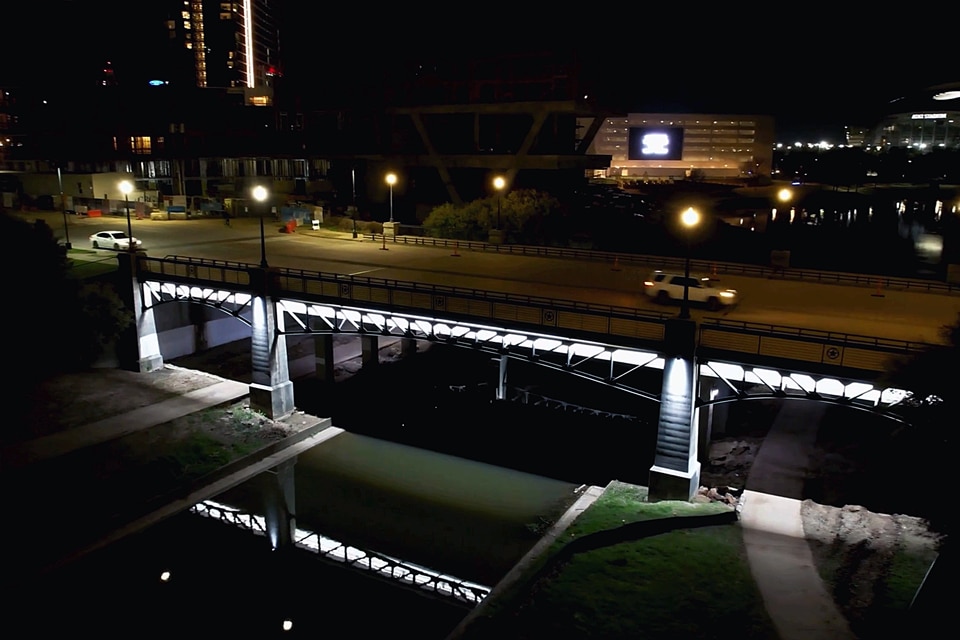
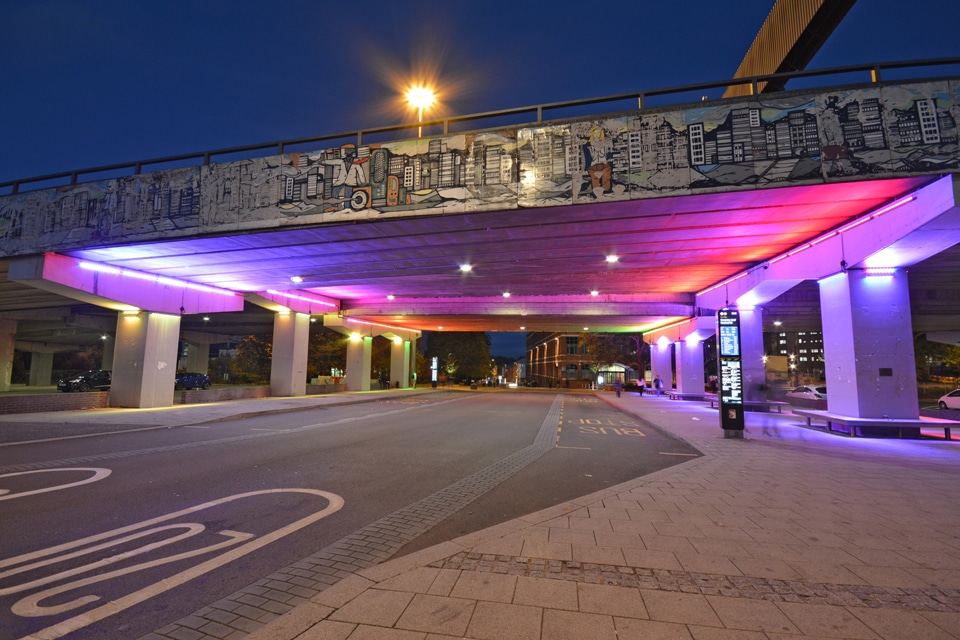
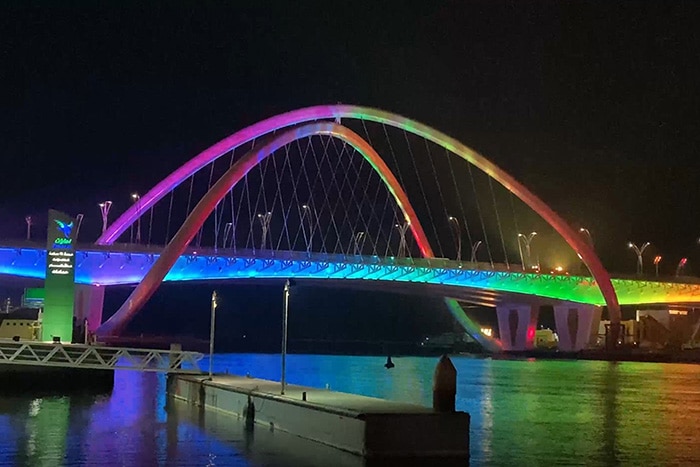
      GrazeElite ActiveBeam is built to keep working where conditions are harsh. An extruded anodized aluminum body and tempered glass protect it from the elements. It offers 6 kV surge protection, meets the ASTM B117 standard for more than 1,500 hours, and meets ANSI C136-31-2023 for roadway and area lighting on bridges and overpasses.

    • Compatible with a wide range of controllers.
      Choose the controller that meets your needs, including iPlayer 4, iPlayer 3, Antumbra iColor Keypad, and ColorDial Pro, as well as third-party controllers.